
You’re likely here because you lost your Toyota smart key or the dealership just quoted you over $400 for a replacement.
That sticker shock is real.
But here is the industry secret they won’t tell you: You don’t need the dealership to replace your HYQ14FBA key fob.
However, buying a replacement online isn’t as simple as clicking “buy.”
Get the wrong internal circuit board—specifically the G-Board versus the AG-Board—and you’ll end up with a useless plastic brick that won’t program to your car.
In this guide, I’m going to walk you through exactly how to identify the right fob, avoid compatibility nightmares, and save hundreds on your replacement.
Let’s get your car back on the road.
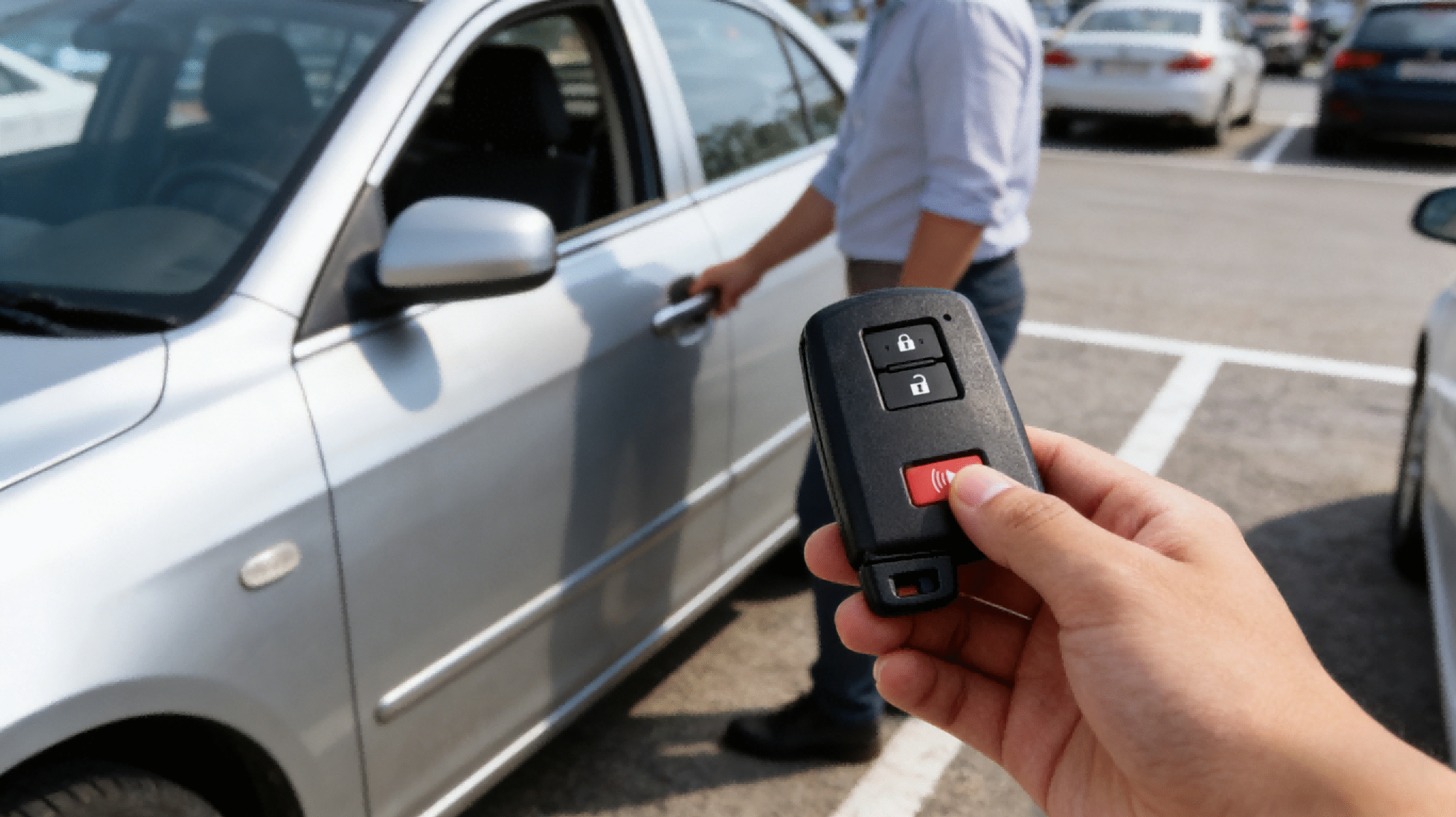
What Exactly is the HYQ14FBA Smart Key?
If you’ve lost your key or simply need a spare, you might be staring at a confusing string of letters and numbers on the back of your remote. Let’s clear up the confusion. The HYQ14FBA is a specific FCC ID used for a widely popular series of Toyota smart keys. This isn’t just a piece of plastic; it’s a proximity remote that communicates wirelessly with your vehicle’s computer to handle push-to-start ignition and keyless entry functions.
Defining the FCC ID
The FCC ID HYQ14FBA is the fingerprint of your remote. It tells you that the internal radio frequency operates at 315 MHz, which is standard for many North American Toyota models. However, matching this ID alone isn’t always enough (we’ll get to circuit board numbers later), but it is the critical first step in finding the right replacement. If your original remote doesn’t have this code printed on the back or inside the shell, you are likely looking at the wrong part.
Supported Vehicles
This specific smart key is a workhorse for the Toyota lineup. We stock this remote because it covers a massive range of daily drivers. Based on our compatibility data, the HYQ14FBA is the correct match for the following models:
- Toyota Avalon: 2013 – 2018
- Toyota Camry: 2012 – 2017
- Toyota Camry Hybrid: 2012 – 2017
- Toyota Corolla: 2014 – 2019
- Toyota Corolla (US Built): 2020 LE Premium, SE, XSE, XLE
Button Configurations
When you pick up this Toyota smart key replacement, you’ll typically see a standard 4-Tasten-Anordnung. This configuration is designed for maximum utility without being cluttered.
- Verschließen: Secures all doors.
- Entriegeln: Opens the driver’s door (or all doors, depending on your car’s settings).
- Kofferraumfreigabe: Pops the trunk remotely.
- Panik: Activates the alarm for emergencies.
We ensure our replacement shells match this layout perfectly so you don’t lose any functionality you had with your factory key.
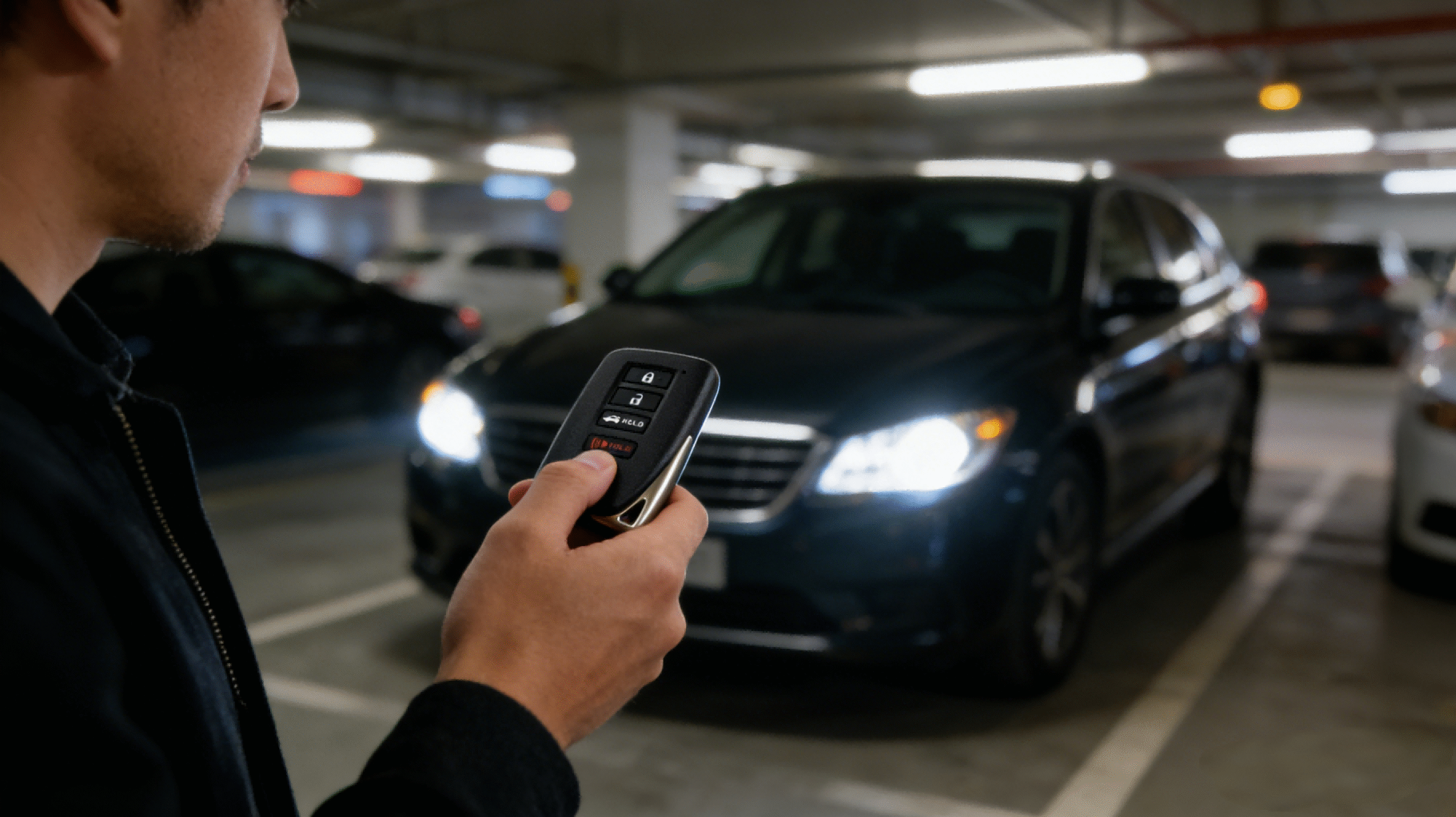
The Golden Rule of Compatibility: Checking Your Board Number
This is the single most important part of buying a replacement Toyota smart key replacement. If you ignore this section, you are likely throwing your money away. Just because a fob looks identical to your old one on the outside doesn’t mean the electronics inside are the same.
The “Brick” Warning
We call it “bricking” your purchase. If you buy a fob with the wrong circuit board number, it will not program to your car. It becomes a useless plastic brick. The FCC ID HYQ14FBA is shared across different internal technologies, so matching that ID alone isn’t enough. You have to go deeper and look at the actual circuit board.
G-Board vs. AG-Board
For the HYQ14FBA FCC ID, there are two main board types that look exactly the same but speak different languages to your car’s computer:
- “G” Board (0020): This is the most common board for many 2012-2017 models like the Camry and Avalon. It has the ID number 281451-0020.
- “AG” Board (2110): This is a newer board type found in later models. It has the ID number 281451-2110.
You cannot swap these. A G-Board will never work on a car requiring an AG-Board, and vice versa.
How to Check
You don’t need to be a mechanic to figure this out. You just need to open your current key fob.
- Pop open the case: Remove the emergency key blade and gently pry the plastic case open.
- Look at the green circuit board: You will see a small number printed directly on the board.
- Find the ID: Look for the sequence 281451-0020 or just the number 0020.
If you have lost your original key entirely, you will need to call a dealership with your VIN number to confirm which board your specific vehicle requires before ordering your push to start key fob replacement.
OEM Refurbished vs. Aftermarket: Which Should You Buy?
When it comes time for a Toyota smart key replacement, you generally have two choices for your HYQ14FBA key fob. Both will reliably start your vehicle, but here is how they stack up for US drivers.
OEM Refurbished
These are genuine factory remotes that have been carefully unlocked, wiped clean, and restored to like-new condition.
- The Advantage: You get an authentic OEM Toyota keyless entry remote. It guarantees exact Toyota G board 0020 compatibility and has the exact weight and feel of the original key you bought at the dealership.
- The Drawback: They carry a higher price tag than third-party options.
Aftermarket
These are brand-new fobs manufactured by independent companies designed to mimic the factory specs.
- The Advantage: This is the most cost-effective push to start key fob replacement on the market, saving you serious cash.
- The Drawback: The plastic shell might feel slightly lighter or have a different texture than the factory original.
Much like our popular 2008-2019 Dodge Chrysler key fobs, choosing a high-quality aftermarket Toyota smart key provides excellent value without sacrificing reliable daily performance.
The keylessbest Promise
At keylessbest, we take the guesswork out of buying car keys online. Whether you choose an OEM refurbished or an aftermarket HYQ14FBA remote, we guarantee its performance. Every single key fob we sell is rigorously tested for proper 315 MHz signal strength and precise circuit board compatibility before it ever leaves our warehouse. We make sure you get a key that simply works.
How to Program Your Replacement HYQ14FBA Fob
Getting your new HYQ14FBA remote is only the first half of the battle. Because modern vehicles utilize sophisticated encryption to prevent theft, you cannot simply buy a remote off the shelf and expect it to start your car immediately. The transponder chip inside the fob must be digitally introduced to your vehicle’s immobilizer system.
Why You Can’t “Just Turn the Key”
Gone are the days when cutting a metal blade was enough. This specific fob operates on a 315MHz frequency and houses a complex G Board (ID: 281451-0020). Your Toyota’s computer is looking for a specific digital handshake from the key. If the car doesn’t recognize the unique code from the HYQ14FBA chip, the push-to-start button will remain inactive, and the engine will not turnover. This security feature ensures that only authorized keys can drive your vehicle.
The Dealership Route
Taking your vehicle to a franchised Toyota dealership is the most traditional method. They have direct access to the manufacturer’s database and proprietary software like Techstream. While this guarantees the key will be programmed correctly to your VIN, it is almost always the most expensive option. Dealerships often charge a premium for labor, even if you bring your own OEM Toyota keyless entry remote.
The Automotive Locksmith Route
For most of our customers, hiring a professional automotive locksmith is the smartest choice. Mobile locksmiths carry advanced diagnostic tools—similar to the Xhorse equipment we supply—that plug directly into your car’s OBDII port. They can program the HYQ14FBA smart key on-site, usually at a significantly lower cost than the dealership. Plus, they can cut the emergency key blade right there in their van.
The DIY Route
It is important to be realistic here: Toyota smart key replacement for models like the Camry, Avalon, or Corolla generally requires an OBDII programming tool. The old “on-board” programming methods (opening doors and pressing pedals in a sequence) rarely work for modern proximity keys. If you are tech-savvy and own a programmer, you can do it yourself. If not, we recommend relying on a professional to ensure your new fob syncs perfectly with your vehicle’s specific configuration.
Quick DIY Fix: How to Change a Dead HYQ14FBA Battery
At our shop, we see this all the time. A dead battery is the absolute most common reason your proximity key fob suddenly quits on you. Before you assume the worst and pay for a full replacement, try a simple Toyota Camry key fob battery replacement (the process is exactly the same for your Corolla and Avalon fobs).
Symptom Check
How do you know it is just a dying battery and not a damaged HYQ14FBA remote? Watch out for these obvious red flags:
- Shortened Range: You have to stand practically against the door handle for the car to recognize the fob.
- Hit-or-Miss Buttons: It takes three or four hard presses to lock or unlock the doors.
- Dashboard Warnings: Your Toyota explicitly displays a “Key Battery Low” alert on the driver information screen.
- No LED Light: The tiny red indicator light on the top of the fob stays dark when you press a button.
Step-by-Step Battery Replacement
You don’t need to pay dealership labor rates for this fix. All you need is a fresh CR2032 Schlüsselanhänger-Batterie and about two minutes of your time. If you ever realize your circuit board is actually fried and need to order a new unit, you can always check our Zahlungsinformationen to get a replacement shipped fast. But for a simple battery swap, just follow these exact steps:
- Pull the Emergency Key: Press the small “PUSH” release button on the bottom edge of your HYQ14FBA fob and slide the metal key blade out.
- Pry Open the Shell: Look inside the gap where the metal key just was. You will see a small, shallow slot specifically designed for prying. Insert the tip of the metal key (or a small flathead screwdriver) right into that slot and give it a gentle twist. The plastic casing will pop into two halves.
- Remove the Board: Carefully lift the green circuit board out of the rubber casing. Try to hold it by the edges so you aren’t touching the sensitive microchips directly.
- Replace the Battery: Slide the old battery out of its metal bracket. Pop your new CR2032 battery in, making sure the positive (+) side is facing up toward you.
- Snap It Closed: Seat the circuit board back into the rubber cover, line up the two plastic halves of the fob shell, and squeeze them firmly together until they snap into place. Slide your emergency key back in. Test any button to ensure the red LED flashes.
Don’t Forget the Emergency Key Blade for Your HYQ14FBA
When you order a push to start key fob replacement, it comes with a slide-out metal insert at the bottom. This isn’t just a placeholder—it is your ultimate backup plan.
Getting the Uncut Metal Insert Cut
I always tell my customers: get the uncut emergency key blade Toyota insert cut the same day you program your fob. Do not put this off until an emergency happens.
- Find a pro: Take your new HYQ14FBA and your original key to a local hardware store, or search for an automotive locksmith key programming near me.
- Duplicate the original: Have the locksmith trace and cut the blank blade to perfectly match the physical cuts of your existing key.
Avoiding Vehicle Lockouts
If your vehicle’s main battery completely dies, or if your CR2032 key fob battery unexpectedly fails, your car’s proximity sensors will not respond to the smart key.
- Slide the latch: Push the release button on your fob to pull out the metal blade.
- Unlock manually: Insert the blade into the physical keyhole on your driver’s side door to pop the lock.
- Stay prepared: Having a fully cut versteckte mechanische Schlüssel-Klinge is the only guaranteed way to get into your car and avoid paying for an expensive emergency lockout service when the electronics fail.
Häufig gestellte Fragen
Can I program an HYQ14FBA key fob myself?
Unfortunately, no. Unlike older Toyota remotes where you could perform a “chicken dance” sequence of opening doors and turning keys, the HYQ14FBA is a modern proximity smart key. It requires specialized diagnostic equipment to interface with the vehicle’s immobilizer system. You cannot simply “sync” it in your driveway. You will need to take the fob to a professional automotive locksmith or a dealership to have it programmed to your specific vehicle.
How much does an HYQ14FBA replacement cost?
The cost varies significantly depending on where you source the key and who programs it.
- Dealership: Expect to pay the highest premium. A new OEM Toyota keyless entry remote from the dealer plus their programming labor can easily exceed $300-$400.
- Locksmith + Online Purchase: This is usually the most economical route. Buying an OEM refurbished or aftermarket Toyota smart key online (often under $100) and paying a locksmith $80-$150 for programming can save you nearly half the cost of the dealership.
What is the difference between G-Board 0020 and AG-Board 2110?
While they may look identical on the outside and share the same FCC ID (HYQ14FBA), the internal circuitry is different and nicht austauschbar.
- G-Board (0020): Typically found in earlier models like the 2012-2017 Camry and 2013-2018 Avalon.
- AG-Board (2110): Often used in slightly newer or different trim configurations.
If you buy the wrong board type, the remote will not program to your car, even if the frequency and buttons look correct. Always open your existing key and check the small numbers printed on the green circuit board to ensure a match.
